

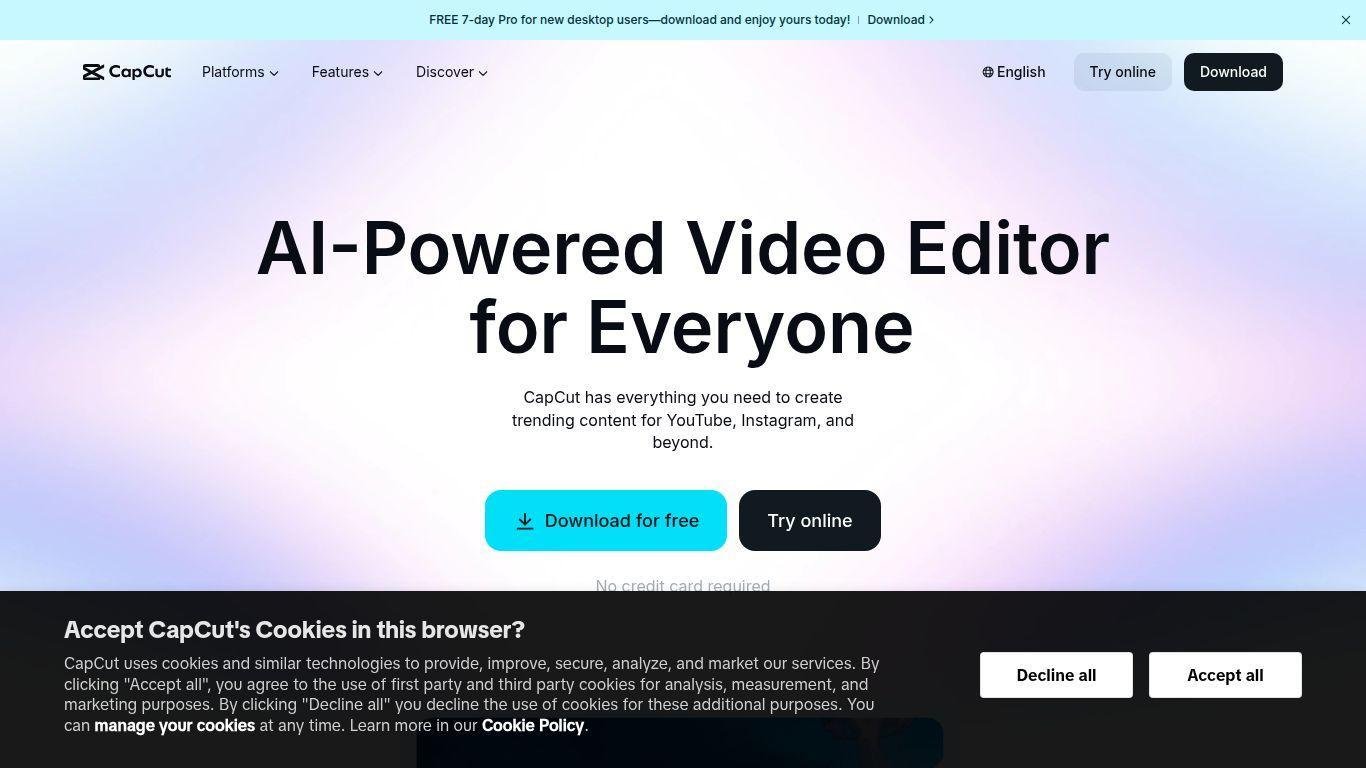
• CapCut is a user-friendly video editing platform for creators of all skill levels.
• Suitable for content for TikTok, YouTube, Instagram, and professional use.
• Offers powerful editing tools accessible on both mobile and desktop devices.
• Features include AI-powered enhancements, automatic captions, trending templates, and background removal.
• Provides advanced effects in a streamlined interface.
• Supports high-resolution exports and seamless social media integration.
• Allows quick editing and publishing with cloud syncing and collaborative editing.
• Includes a growing library of music, filters, and transitions for polished video production.
AI-powered video editing and enhancement tools
Auto-captions with multiple language support
Templates optimized for TikTok, Reels, and Shorts
Background removal and green screen support
Drag-and-drop interface with real-time preview
Stock music, effects, and animated text library
High-resolution video exports up to 4K
Cloud storage and multi-device syncing
Advanced transitions and filters for dynamic edits
Team collaboration and shared projects in the cloud

What is CapCut used for?
CapCut is used to edit and enhance videos for social media platforms, offering tools like auto-captions, effects, and templates.
Is CapCut free to use?
Yes, CapCut offers a free version with robust features, while some premium tools are available via subscription.
Can I use CapCut on desktop and mobile?
Absolutely. CapCut works on both platforms with cloud syncing so you can edit anywhere.
Does CapCut support 4K video exports?
Yes, CapCut allows high-resolution exports, including 1080p and 4K, for professional-quality results.
Can I collaborate with others on video projects?
Yes, CapCut supports team collaboration with shared cloud projects for streamlined teamwork.