

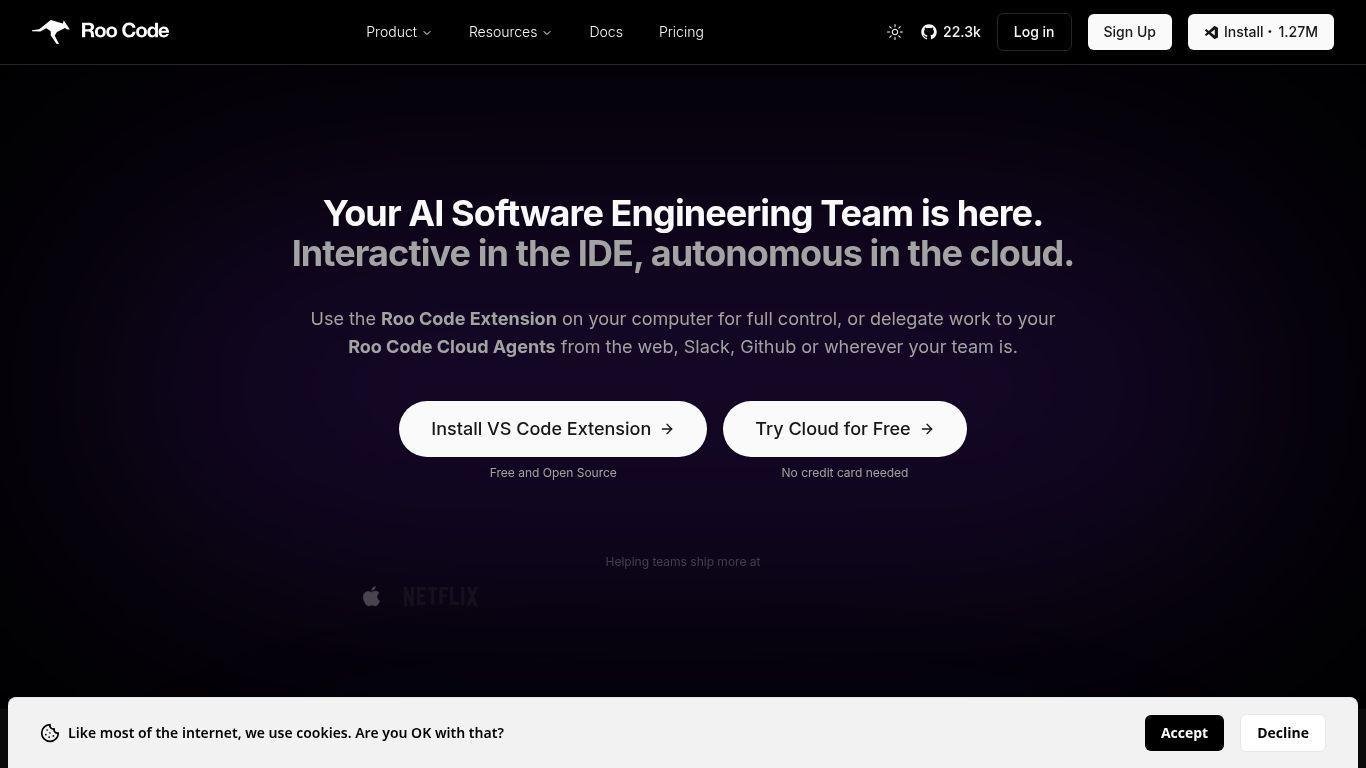
• Roo Code is an open-source AI coding assistant for Visual Studio Code.
• Functions as an autonomous agent capable of multi-step development tasks.
• Understands project context and can edit multiple files at once.
• Executes terminal commands and assists throughout the software development lifecycle.
• Allows developer interaction via natural language with permission-based control.
• Supports various AI providers and local models for flexibility and privacy.
• Enables workflows such as code generation, refactoring, testing, documentation updates, and automation.
• Available as a free VS Code extension with optional cloud features.
• Aims to provide a customizable environment to accelerate software development.
AI-powered coding agent integrated into Visual Studio Code
Multi-file code reading, editing, and refactoring
Natural language interaction for development tasks
Terminal command execution and automation
Support for multiple AI providers and local models
Permission-based execution controls
Custom modes for specialized AI roles
Cloud agents for autonomous development workflows
Browser automation capabilities
Model routing and usage analytics tools

What is Roo Code?
Roo Code is an open-source AI coding assistant that acts as an autonomous development agent within VS Code, helping developers generate and manage software projects.
Is Roo Code free?
Yes, the VS Code extension is free and open source, though AI model usage or optional cloud services may incur costs.
How is Roo Code different from traditional coding assistants?
It performs multi-step agentic workflows such as editing multiple files, executing commands, and automating development processes rather than just suggesting code snippets.
Which AI models does Roo Code support?
It supports multiple providers including OpenAI, Anthropic, Google Gemini, and locally hosted models.
Is my code private when using Roo Code?
Yes. Your code remains local unless you connect external AI APIs, and you control what information is shared.